If you're about to hire a developer, someone is going to ask you for a brief. Most solopreneurs don't have one. They have screenshots, a rough idea, and a deadline.
The first meeting goes fine. By week three the developer is asking questions you don't know how to answer, and the site that comes back doesn't look like what you had in mind.
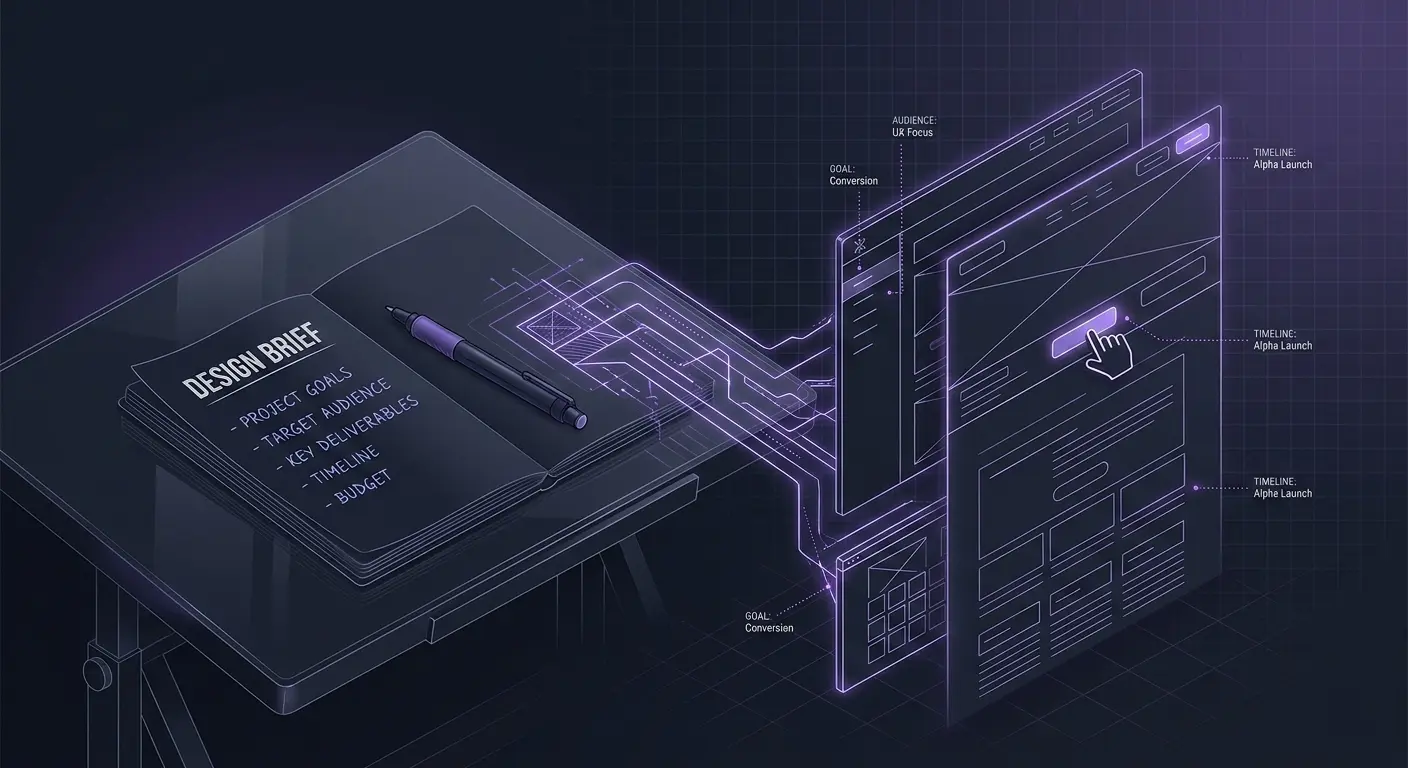
A design brief is a document, usually one to three pages, that tells a developer what you're building, who it's for, and what it needs to do. Not a visual spec. Not a contract. Just a description of the job.
Here's what goes in one.
1. Who you are and what you do
One paragraph. Who the business serves, what it sells, what makes it different. Developers use this to make design decisions you never explicitly ask for: whether the site should feel authoritative or approachable, technical or warm.
Most people write two sentences here and then wonder why the result feels generic.
2. Who your customers are
Not "small business owners" or "people aged 25 to 45." That's not enough. A brief that says "I work with female life coaches in the UK who charge £300+ per session" gives a developer something to work with. They know what that audience expects. They know what the competitors look like. They can make decisions about typography and imagery without you needing to specify each one.
This is the section most solopreneurs rush. It matters more than the design direction section.
3. What the site needs to do
Not what it needs to look like. What it needs to do.
"Get visitors to book a discovery call" is useful. "Look professional" is not.
One sentence per goal. Order them by priority. If the site has two jobs, rank them — developers make tradeoff decisions constantly, and they need to know which goal wins when something can't serve both.
4. The pages you need
List them. One sentence per page explaining its job. For example:
- Home: introduce the offer, get people to the booking page
- About: build trust, explain the approach
- Services: what's included, what it costs
- Booking: calendar integration, short FAQ underneath
Don't try to design the pages here. Just say what each one is for.
5. Design direction
This is the hard part. You probably know what you like. Getting that out of your head and into a format a developer can use is where most briefs get vague.
Two things help more than a mood board. First: find two or three sites you like and say what specifically works about each. "The typography on [site A]" or "the whitespace on [site B]" gives a developer a target. A Pinterest board with 40 images and no notes does not.
Second: write down what you want to avoid. "Not corporate. Not stock-photo heavy. Not template-looking." Constraints are often easier to articulate than preferences, and they narrow the brief just as much.
If you've taken a style quiz, this section is mostly done for you — a named style profile and a curated list of reference sites is exactly what a developer needs here.
6. Features and functionality
List every functional requirement, especially anything involving a third-party tool. Things solopreneurs commonly leave out:
- Contact form routed to a specific email
- Calendar booking tool (Calendly, Acuity, etc.)
- Email signup connected to a specific list
- Payment processing
- Password-protected content
- Blog
Each one changes the quote. If a developer finds out about them in week four, expect a change request.
7. Content status
Tell the developer what they're waiting on from you.
"Home and about: final copy. Services: still a draft. Photos: I don't have professional ones yet."
This lets them phase the work properly. It also makes you face how ready you actually are, which is useful even when the answer is "not very."
8. Budget and timeline
Budget first. Put a number in. "I have £3,000" is more useful than "depends on the quote" — developers use the budget to decide what's feasible. For timeline: say when you need it live and whether there's a real reason. A conference or product launch is a real reason. "Soon" is not, and developers can usually tell.
The most common mistake
Writing for the developer instead of yourself.
A brief isn't a technical spec. You don't need to know what CMS to use or how the backend works. Write what success looks like from your side. A good developer will ask the technical questions. Your job is to give them the business and design context they can't get any other way.
The other common problem: vague audience because you haven't actually defined it yet. The brief exposes that gap. Better to find out now than three weeks into a build.
A quick template
- Business overview
- Target audience (be specific)
- Website goals (ranked by priority)
- Pages and what each one does
- Design direction
- Features and integrations
- Content status
- Budget and timeline
Fill each one out. The brief doesn't have to be polished. It has to be complete.